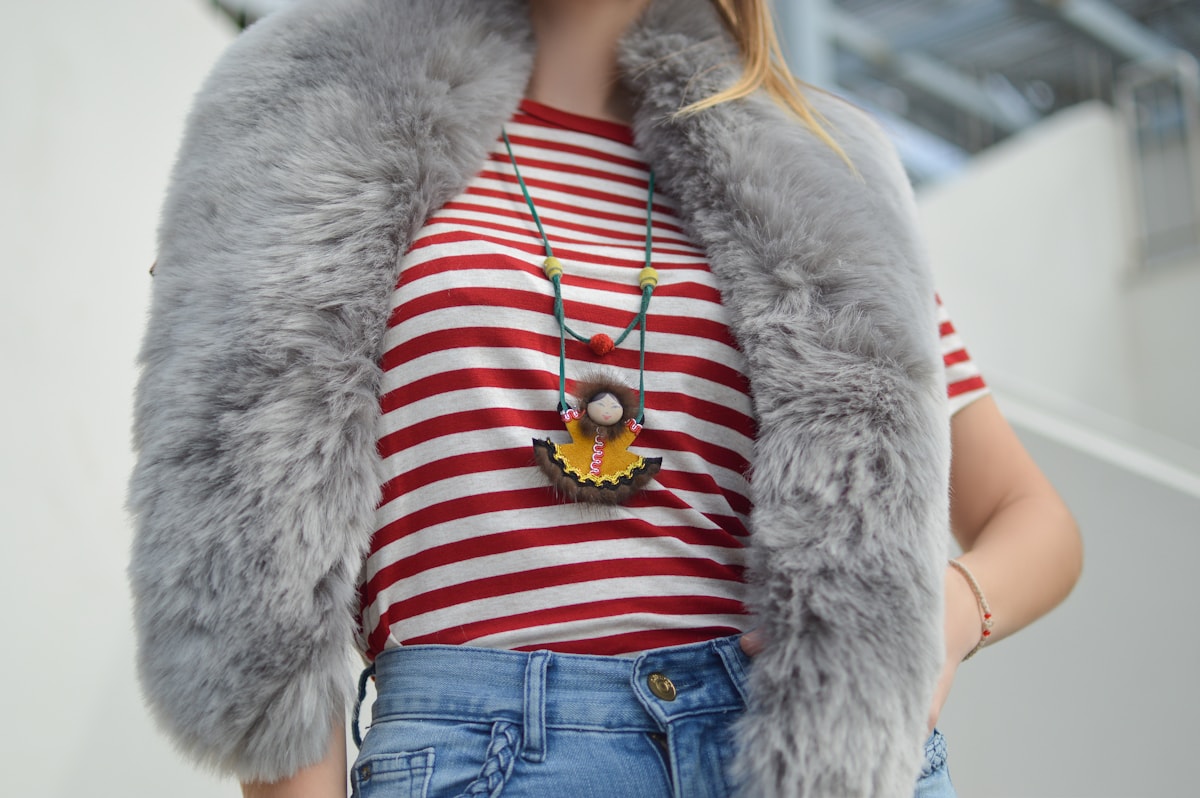
Someone asks where your jacket is from. You reply with the brand, then answer another question about the trousers. By the next week, those answers are buried under a newer post.
A useful affiliate workflow gives each recommendation a place readers can find again. Start with products you can explain, obtain links through your affiliate provider, and give followers a clear route from the post to those products.
01
What Instagram affiliate marketing involves
An affiliate link connects a recommendation to a retailer through a provider’s tracking system. If a purchase qualifies under that provider’s terms, you may receive a commission. Posting a link does not guarantee payment: attribution rules, eligible products, returns, and the buyer’s location can affect the outcome.
Separate three jobs when setting up your workflow:
- Your content explains why you recommend the product.
- Your publishing page keeps the relevant image, notes, and links together.
- Your affiliate provider handles the program’s purchase attribution and commission reporting.
Sidefold supports the publishing page. It preserves the product URLs you supply; it does not replace affiliate-provider approval or payouts.
02
Start with recommendations you can explain
Choose one post with a clear purpose: a work outfit, a small-room refresh, or a travel kit. Record the exact products you intend to recommend.
For each item, write down the model, color, variant, destination, and one useful note. “The medium leaves room for a shirt underneath” answers a question a brand name alone cannot.
If you have not used a product, avoid presenting the recommendation as firsthand experience. Explain why it is included and what you have actually checked.
An illustrative outfit list might look like this:
| Item | Useful note | Link check |
|---|---|---|
| Linen overshirt | Size shown and layering fit | Correct color and size selector |
| Straight-leg trousers | Length shown and fabric weight | Exact model |
| Trainers | Sizing experience | Available in the audience’s market |
The table is a planning example, not a customer result.
03
Obtain and test the affiliate links
Use the affiliate program or network you belong to to generate eligible product links. Check whether your agreement permits sharing them on social media and third-party publishing pages.
Test each destination on a phone. Confirm that it opens the intended item, that the product is available, and that the destination makes sense for your audience’s country. Preserve tracking parameters and follow the provider’s rules when considering shortened links or redirects.
For help choosing an affiliate provider, read our ShopMy vs. LTK comparison.
04
Make the commercial relationship clear
Readers should understand when you may earn from a recommendation. A plain explanation such as “I may earn a commission when you buy through these links” communicates the relationship.
Meta treats affiliate content as branded content and directs creators to use the paid partnership label. Follow the current labeling requirements for the content you publish. Read Instagram’s branded-content guidance.
For endorsements reaching US consumers, FTC guidance calls for a conspicuous disclosure alongside the recommendation. Keep it visible in Stories and videos, and do not rely only on a profile notice or a platform label. Other markets have their own requirements. Read the FTC’s influencer disclosure guidance.
Sidefold displays an affiliate disclosure on shoppable posts containing links marked as affiliate, explaining that the creator may earn a commission. Mark your affiliate links accurately when preparing the post, and disclose the relationship in the social content where the recommendation appears too.
05
Give the post a useful destination
A general link hub is useful for browsing your work. A dedicated shoppable page helps someone find the items from one particular photo.
In Sidefold, prepare a shoppable post with your images, product markers, item notes, and existing affiliate destinations. Mark affiliate links appropriately and test the published page on mobile.
Use a specific invitation in the social post: “The jacket, trousers, and shoes from this look are on the outfit page in my bio.” Make that outfit easy to identify when someone arrives.
Our shop-the-look guide covers the image layout and product-marker workflow in more detail.
06
Keep clicks and earnings separate
Review which product links receive clicks, then check settled sales and commissions with your affiliate provider. A product click is not evidence of a purchase.
Sidefold records consented product-link clicks. These measurements can help you improve notes and placement, but they are not a complete record of every visitor or a substitute for your provider’s attribution.
Check older recommendations for unavailable products. Label alternatives clearly so a reader does not mistake a replacement for the item in the original photograph.
07
Questions creators ask
Do I need to hold stock?
No. A shoppable affiliate post links to external retailers. You recommend their products rather than fulfilling those orders yourself.
Can I use affiliate links I already have?
Yes. Sidefold preserves the product destinations you supply. Confirm that your affiliate provider allows the intended placement.
How many followers do I need?
There is no single threshold covering every affiliate program. Check your chosen provider’s application criteria and the relevant Instagram feature requirements.
Can I guarantee earnings from an affiliate post?
No. Commissions depend on qualifying transactions and the provider’s terms. Use observed results to assess your workflow.
08
Prepare your first shoppable post
Choose one useful photograph and a small set of verified product links. Add the notes your followers usually ask for, make the commercial relationship clear, and check the finished page on a phone.